

Accelerometers
Analog Devices’ accelerometers and iSensor® MEMS accelerometer subsystems provide accurate detection while measuring acceleration, tilt, shock, and vibration in performance-driven applications. Our
Go to Product Selection Table
Viewing:
Products in Category
ADXL383
RECOMMENDED FOR NEW DESIGNS
Low Noise, Low Power, Wide Bandwidth, 3-Axis MEMS Accelerometer
ADXL366
RECOMMENDED FOR NEW DESIGNS
Micropower, 3-Axis, ±2g/±4g/±8g Digital Output MEMS Accelerometer
ADXL380
RECOMMENDED FOR NEW DESIGNS
Low Noise, Low Power, Wide Bandwidth, 3-Axis MEMS Accelerometer
ADXL382
RECOMMENDED FOR NEW DESIGNS
Low Noise, Low Power, Wide Bandwidth, 3-Axis MEMS Accelerometer
ADXL357B
RECOMMENDED FOR NEW DESIGNS
Low Noise, Low Drift, Low Power, 3-Axis MEMS Accelerometers
ADXL358
RECOMMENDED FOR NEW DESIGNS
Low Noise, Low Drift, Low Power, 3-Axis MEMS Accelerometer
ADXL359
RECOMMENDED FOR NEW DESIGNS
Low Noise, Low Drift, Low Power 3-Axis MEMS Accelerometer
ADXL314
RECOMMENDED FOR NEW DESIGNS
±200 g Range, 3-Axis Digital Accelerometer
ADXL367
PRODUCTION
Nanopower, 3-Axis, ±2 g/±4 g/±8 g Digital Output MEMS Accelerometer
ADXL371
RECOMMENDED FOR NEW DESIGNS
Micropower, 3-Axis, ±200 g Digital Output, MEMS Accelerometer
Related Resources

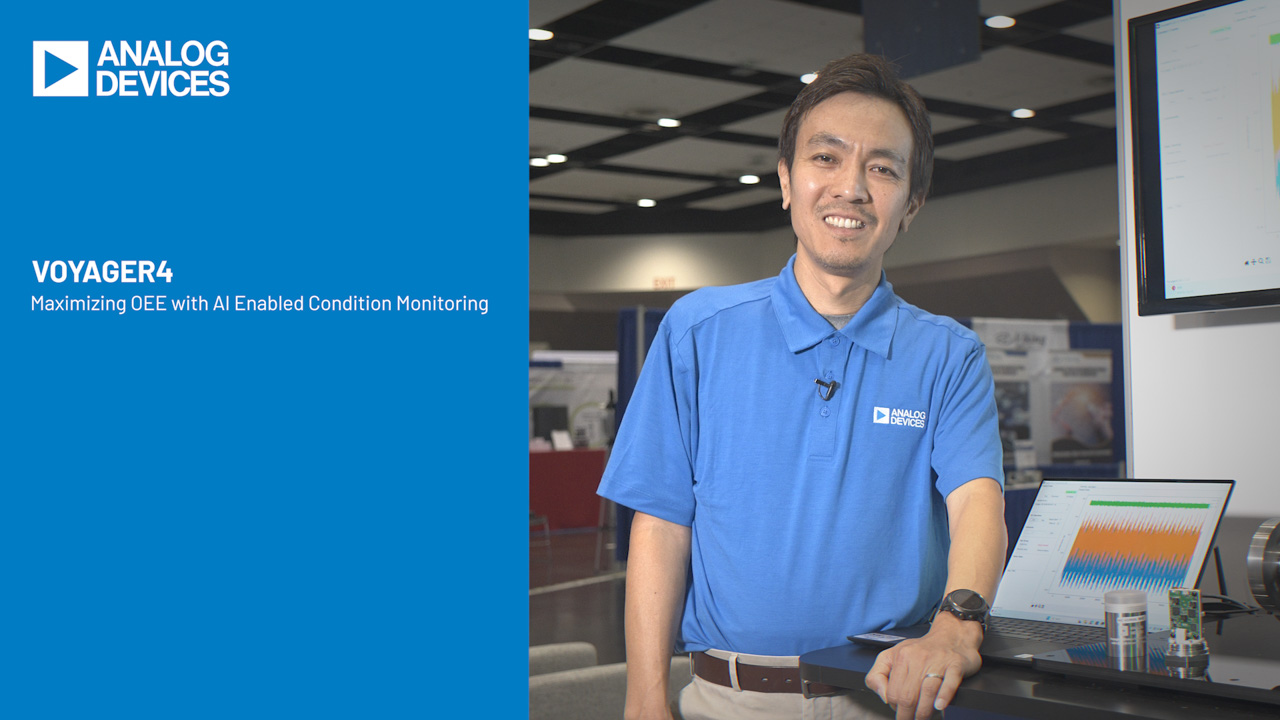




Condition-based Monitoring (CbM) Development Platforms
Developing accurate, reliable condition monitoring solutions for industrial assets requires a combination of technologies and design considerations to capture and convert critical signals into actionable insights. Our platforms enable diagnostic and predictive maintenance solutions for accelerated sensor data collection.

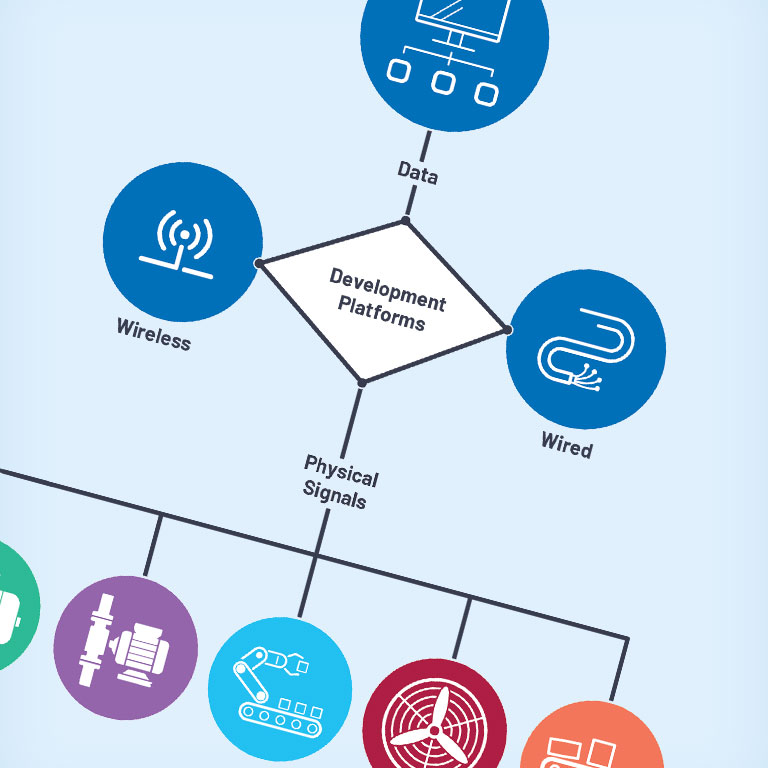
Condition-based Monitoring (CbM) Development Platforms
Developing accurate, reliable condition monitoring solutions for industrial assets requires a combination of technologies and design considerations to capture and convert critical signals into actionable insights. Our platforms enable diagnostic and predictive maintenance solutions for accelerated sensor data collection.

{{modalTitle}}

{{modalDescription}}
{{dropdownTitle}}

- {{defaultSelectedText}} {{#each projectNames}}
- {{name}} {{/each}} {{#if newProjectText}}
-
 {{newProjectText}}
{{/if}}
{{newProjectText}}
{{/if}}
{{newProjectTitle}}

{{projectNameErrorText}}