

LTC4267-3
PRODUCTIONPower over Ethernet IEEE 802.3af PD Interface with Integrated 300kHz Switching Regulator
- Part Models
- 8
- 1ku List Price
- Starting From $2.50
Overview
- Complete Power Interface Port for IEEE 802®.3af Powered Device (PD)
- Onboard 100V, UVLO Switch
- Constant-Frequency 300kHz Operation
- Precision Dual Level Inrush Current Limit
- Integrated Current Mode Switching Regulator
- Onboard 25k Signature Resistor with Disable
- Programmable Classification Current (Class 0-4)
- Thermal Overload Protection
- Power Good Signal
- Integrated Error Amplifier and Voltage Reference
- Low Profile 16-Pin SSOP or DFN Packages
The LTC4267-3 combines an IEEE 802.3af compliant Powered Device (PD) interface with a 300kHz current mode switching regulator, providing a complete power solution for PD applications. The LTC4267-3 integrates the 25k signature resistor, classification current source, thermal overload protection, signature disable and power good signal along with an undervoltage lockout optimized for use with the IEEE-required diode bridge. The LTC4267-3 provides an increased operational current limit, maximizing power available for class 3 applications.
The 300kHz current mode switching regulator provides higher output power or smaller external size compared to its lower frequency counterparts. The LTC4267-3 is designed for driving a 6V rated N-channel MOSFET and features programmable slope compensation, soft-start, and constant-frequency operation, minimizing noise even with light loads. The LTC4267-3 includes an onboard error amplifier and voltage reference allowing use in both isolated and nonisolated configurations.
The LTC4267-3 is available in a space saving, low profile 16-pin SSOP or DFN packages.
Applications
- IP Phone Power Management
- Wireless Access Points
- Security Cameras
- Power over Ethernet
Documentation
Data Sheet 1
User Guide 1
Technical Articles 1
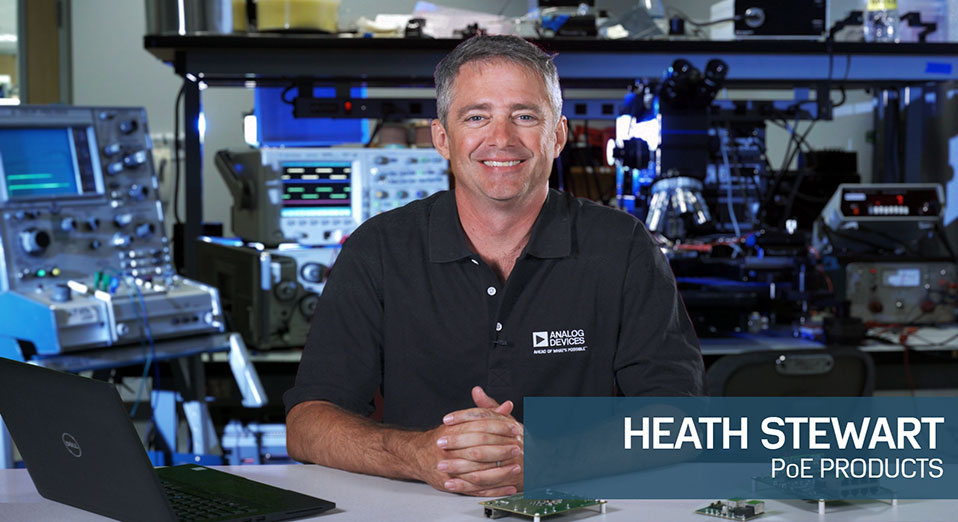
Video 1
Product Selector Card 2
ADI has always placed the highest emphasis on delivering products that meet the maximum levels of quality and reliability. We achieve this by incorporating quality and reliability checks in every scope of product and process design, and in the manufacturing process as well. "Zero defects" for shipped products is always our goal. View our quality and reliability program and certifications for more information.
| Part Model | Pin/Package Drawing | Documentation | CAD Symbols, Footprints, and 3D Models |
|---|---|---|---|
| LTC4267CDHC-3#PBF | 16-Lead DFN (5mm x 3mm w/ EP) | ||
| LTC4267CDHC-3#TRPBF | 16-Lead DFN (5mm x 3mm w/ EP) | ||
| LTC4267CGN-3#PBF | 16-Lead SSOP (Narrow 0.15 Inch) | ||
| LTC4267CGN-3#TRPBF | 16-Lead SSOP (Narrow 0.15 Inch) | ||
| LTC4267IDHC-3#PBF | 16-Lead DFN (5mm x 3mm w/ EP) | ||
| LTC4267IDHC-3#TRPBF | 16-Lead DFN (5mm x 3mm w/ EP) | ||
| LTC4267IGN-3#PBF | 16-Lead SSOP (Narrow 0.15 Inch) | ||
| LTC4267IGN-3#TRPBF | 16-Lead SSOP (Narrow 0.15 Inch) |
| Part Models | Product Lifecycle | PCN |
|---|---|---|
|
Oct 3, 2024 - 24_0235 (QSOP/SSOP PKG) Migrating Bottom Trace Code Marking to Top Side Laser Marking |
||
| LTC4267CGN-3#PBF | PRODUCTION | |
| LTC4267CGN-3#TRPBF | PRODUCTION | |
| LTC4267IGN-3#PBF | PRODUCTION | |
| LTC4267IGN-3#TRPBF | PRODUCTION | |
|
Apr 6, 2022 - 22_0066 Laser Top Mark for 16QSOP Assembled in ADPG [PNG] |
||
| LTC4267CGN-3#PBF | PRODUCTION | |
| LTC4267CGN-3#TRPBF | PRODUCTION | |
| LTC4267IGN-3#PBF | PRODUCTION | |
| LTC4267IGN-3#TRPBF | PRODUCTION | |
This is the most up-to-date revision of the Data Sheet.
Software Resources
Can't find the software or driver you need?
Request a Driver/SoftwareHardware Ecosystem
Tools & Simulations
LTspice 1
Models for the following parts are available in LTspice:
- LTC4267
- LTC4267-1
- LTC4267-3
LTspice® is a powerful, fast and free simulation software, schematic capture and waveform viewer with enhancements and models for improving the simulation of analog circuits.
Evaluation Kits


LTC4267-3 PD, 37-57V input, 3.3V@ 3A out
Resources
Latest Discussions
No discussions on LTC4267-3 yet. Have something to say?
Start a Discussion on EngineerZone®