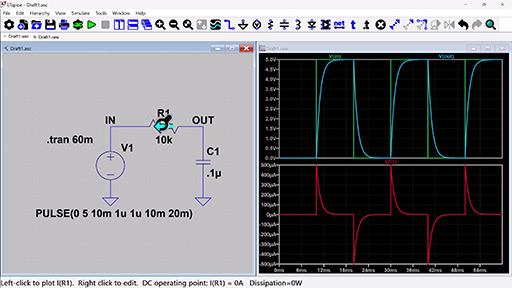
Learn the basics of using LTspice - creating a new schematic, running transient and AC simulations, and viewing results on the waveform viewer.
LTspice®は、アナログ回路のシミュレーションを改善するための機能拡張とモデルを備えた強力で高速な無料のSPICEシミュレータ・ソフトウェア、回路図キャプチャおよび波形ビューアです。LTspiceの回路図キャプチャ用のグラフィカル・インターフェースにより、回路図をチエックし、シミュレーション結果を生成することができます。シミュレーション結果は、内蔵の波形ビューアでさらに詳しく調べることができます。
以下のチュートリアルでLTspiceの使い方を学んだり、役立つヒントや記事でLTspiceについての理解を深めることができます。また、一部のアナログ・デバイセズ製品のマクロモデルやデモ回路のライブラリもご覧いただけます。
LTspiceの機能拡張とモデルは、他のSPICEソリューションと比較して、アナログ回路のシミュレーションを改善します。以下からLTspiceをダウンロードして、ご自身の目でご確認ください!
以下のOSに対応したLTspiceシミュレーション・ソフトウェアをダウンロードできます。
モデルの更新日 - 2026年03月23日
バージョン 26.0.1
バージョン 17.2.4
バージョン 26.0.1
Windows XP版をダウンロード (サポートは終了しております)
MacOS 10.9版をダウンロード (サポートは終了しております)
Windows版LTspice XVIIをダウンロード (サポートは終了しております)
すぐに実行可能なLTspiceのデモ回路のライブラリ全体をご覧ください。
Learn the basics of using LTspice - creating a new schematic, running transient and AC simulations, and viewing results on the waveform viewer.
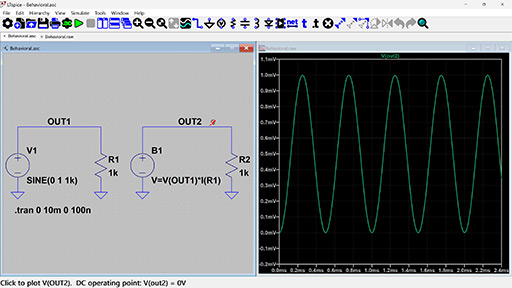
Learn how to use transformers, add third party models, create, work with symbols, and more.
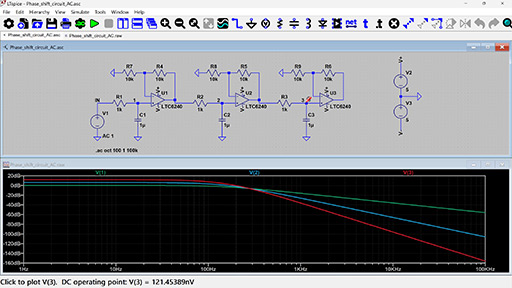
Learn how to perform a basic AC analysis in LTspice as well as some capabilities you might not already know about. Also learn how to set up a noise simulation in LTspice to view both input and output referred voltage noise.
Get to simulation faster. These design tools export .asc files to create LTspice schematics.
.svg?rev=fd385c90e2cf4716ae9a8c8d20e6b8e3&la=ja&h=24&w=24&hash=8FE198C1188D0BCB070397DC2E4811D6)

Signal Chain Designer is a web-based platform for building and simulating sophisticated precision signal chains. It lets you evaluate your circuit’s behavior and examine transfer functions, noise performance, power consumption, input ranges, and DC errors. Experiment with different components and architectures and export your signal chain to LTspice to further verify your design.

The Analog Filter Wizard enables rapid design of low‑pass, high‑pass, and band‑pass active filters using real op‑amp models. Throughout the design flow, you can examine how the filter’s response transitions from ideal mathematical behavior to the performance dictated by actual device parameters and circuit‑level non‑idealities. The tool allows detailed evaluation of op‑amp trade‑offs—including gain‑bandwidth product, input‑referred noise, output swing limitations, and supply current—to identify components that meet your target specifications. When additional verification or transient analysis is required, the complete filter implementation can be exported directly to LTspice for further simulation.
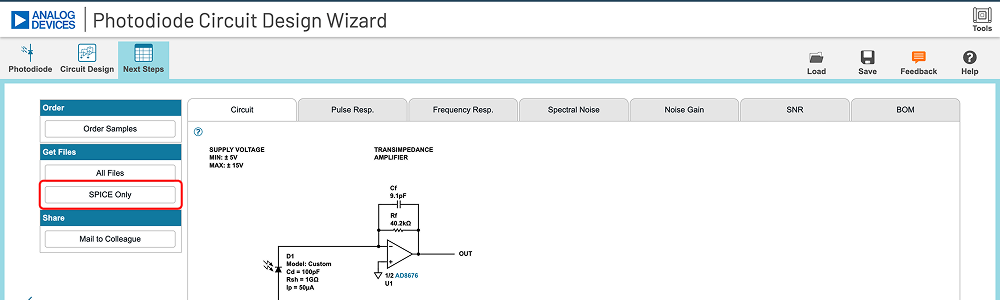
The Photodiode Wizard provides a structured workflow for designing transimpedance amplifier (TIA) circuits for photodiode interfaces. You can select a photodiode from the built‑in device library or enter custom photodiode parameters such as junction capacitance, dark current, and responsivity. The tool enables rapid evaluation of key performance trade‑offs—including closed‑loop bandwidth, peaking (Q‑factor), and effective resolution metrics such as ENOB and SNR. Adjust TIA component values and immediately observe their impact through detailed plots of pulse response, frequency response, and noise‑gain characteristics. For comprehensive design validation, the complete TIA implementation can be exported directly to LTspice for further simulation and analysis.
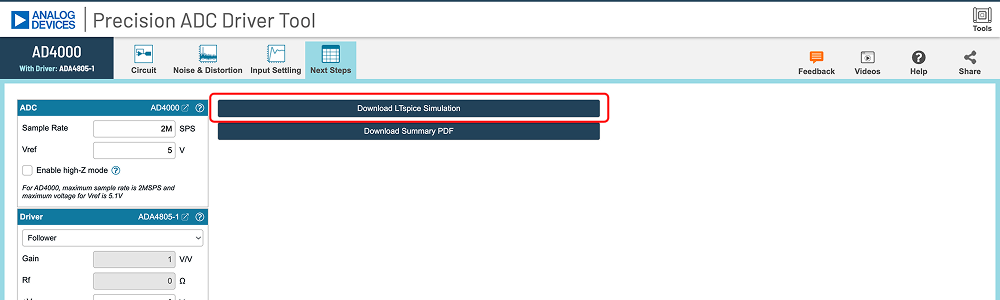
The Precision ADC Driver Tool enables detailed simulation of precision ADC‑and‑driver signal chains. It identifies potential issues related to amplifier selection, input‑kickback settling, and distortion mechanisms, allowing rapid evaluation of architectural and component‑level trade‑offs. The tool computes and simulates key performance metrics—including system‑level noise, harmonic distortion, and time‑domain settling behavior at the ADC input—based on actual device parameters. When additional verification or transient analysis is required, the complete driver‑ADC configuration can be exported directly to LTspice for further simulation.
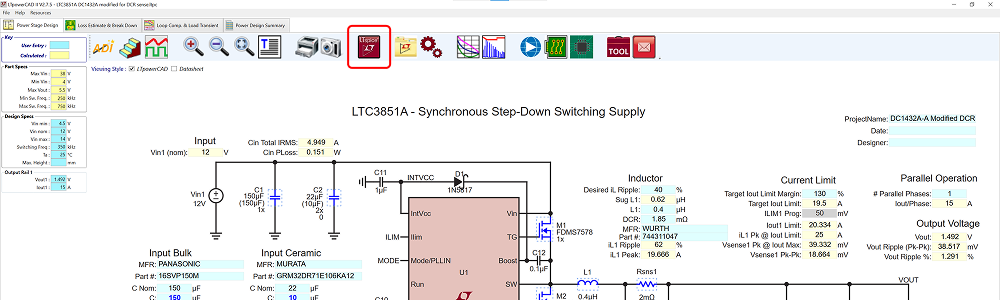
The LTpowerCAD® tool guides users throughout the supply design process, suggesting suitable parts to meet the user’s requirements according to the design’s power supply specifications. The tool shows real-time results of the feedback loop Bode plot, as well as the power stage performance, and can export the design to LTspice for full simulation and design verification.