LTspice

LTspice®是一款强大高效的免费SPICE仿真器软件、原理图采集和波形观测器,为改善模拟电路的仿真提供增强功能和模型。其原理图捕获图形界面使您能够探测原理图并生成仿真结果,这些结果可以通过内置波形查看器进一步观察分析。

通过下面的教程了解如何使用LTspice或通过我们精选的有用提示和文章深入了解。您还可以浏览我们的宏模型和演示电路库以了解选定的ADI产品。

与其他SPICE解决方案相比,LTspice的增强功能和模型改善了模拟电路仿真。从下方下载LTspice,亲自查看!

下载LTspice

下载适用于以下操作系统的LTspice仿真软件:

模块更新日期 - 2026-03-23

下载用于Windows 10 64位及更高的版本17.1.6 版本 26.0.1

下载用于MacOS 10.15及更高的 版本 17.2.4

Download for Windows 11 ARM64 版本 26.0.1

下载适用于Windows的LTspice XVII (支持结束,不再更新)

下载用于Windows XP (支持结束,不再更新)

下载用于MacOS 10.9 (支持结束,不再更新)

获取支持

访问中文技术论坛中的LTspice专题区进行提问(或回答问题)或者针对LTspice进行评论。

LTspice中文技术论坛

查找演示电路

探索整个现成的LTspice演示电路库。

探索演示电路

了解如何使用LTspice

Instructional Videos

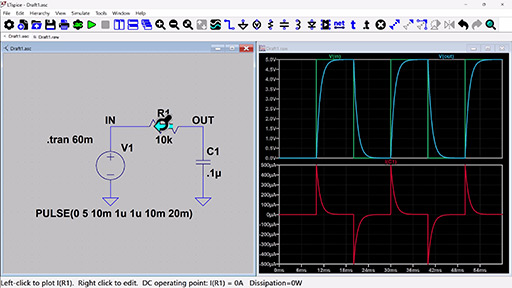
A screenshot of LTspice software displaying a simple resistor-capacitor (RC) circuit simulation.
LTspice Basics

Learn the basics of using LTspice - creating a new schematic, running transient and AC simulations, and viewing results on the waveform viewer.

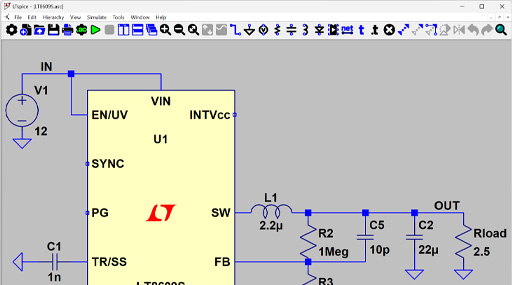
A screenshot of LTspice software displaying a behavioral circuit simulation.
Essentials Tutorial

Learn how to use transformers, add third party models, create, work with symbols, and more.

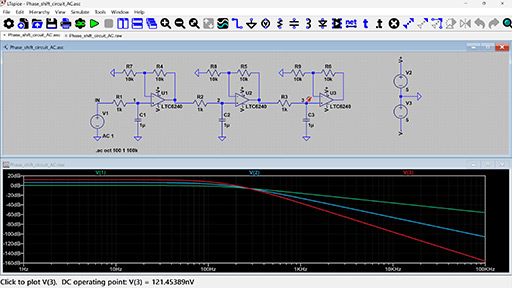
A screenshot of LTspice software displaying a phase shift circuit simulation.
AC & Noise Analysis Tutorial

Learn how to perform a basic AC analysis in LTspice as well as some capabilities you might not already know about. Also learn how to set up a noise simulation in LTspice to view both input and output referred voltage noise.

Tools to Generate LTspice Schematics

Get to simulation faster. These design tools export .asc files to create LTspice schematics.

Signal Chain Designer


Signal Chain Designer is a web-based platform for building and simulating sophisticated precision signal chains. It lets you evaluate your circuit’s behavior and examine transfer functions, noise performance, power consumption, input ranges, and DC errors. Experiment with different components and architectures and export your signal chain to LTspice to further verify your design.

Signal Chain Designer

Filter Wizard


The Analog Filter Wizard enables rapid design of low‑pass, high‑pass, and band‑pass active filters using real op‑amp models. Throughout the design flow, you can examine how the filter’s response transitions from ideal mathematical behavior to the performance dictated by actual device parameters and circuit‑level non‑idealities. The tool allows detailed evaluation of op‑amp trade‑offs—including gain‑bandwidth product, input‑referred noise, output swing limitations, and supply current—to identify components that meet your target specifications. When additional verification or transient analysis is required, the complete filter implementation can be exported directly to LTspice for further simulation.


Analog Filter Wizard


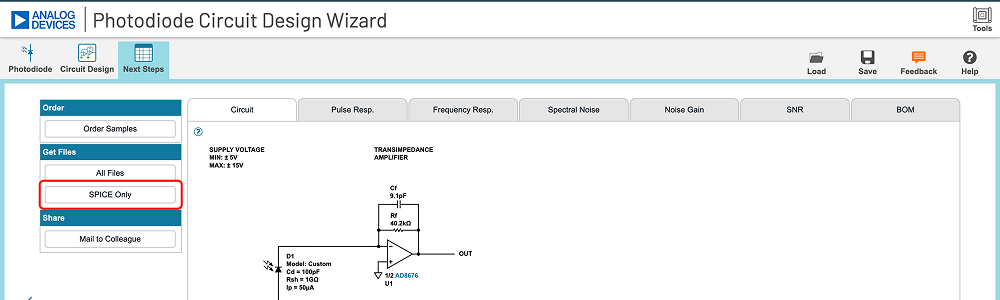
Analog Photodiode Wizard


The Photodiode Wizard provides a structured workflow for designing transimpedance amplifier (TIA) circuits for photodiode interfaces. You can select a photodiode from the built‑in device library or enter custom photodiode parameters such as junction capacitance, dark current, and responsivity. The tool enables rapid evaluation of key performance trade‑offs—including closed‑loop bandwidth, peaking (Q‑factor), and effective resolution metrics such as ENOB and SNR. Adjust TIA component values and immediately observe their impact through detailed plots of pulse response, frequency response, and noise‑gain characteristics. For comprehensive design validation, the complete TIA implementation can be exported directly to LTspice for further simulation and analysis.

Analog Photodiode Wizard

Precision ADC Driver Tool


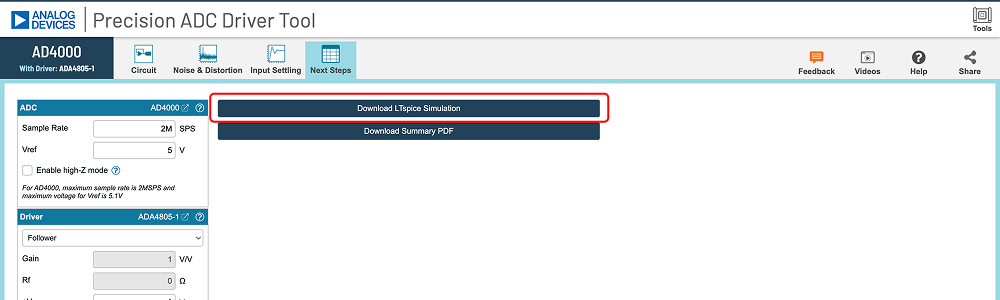
The Precision ADC Driver Tool enables detailed simulation of precision ADC‑and‑driver signal chains. It identifies potential issues related to amplifier selection, input‑kickback settling, and distortion mechanisms, allowing rapid evaluation of architectural and component‑level trade‑offs. The tool computes and simulates key performance metrics—including system‑level noise, harmonic distortion, and time‑domain settling behavior at the ADC input—based on actual device parameters. When additional verification or transient analysis is required, the complete driver‑ADC configuration can be exported directly to LTspice for further simulation.

Precision ADC Driver Tool

LTpowerCAD


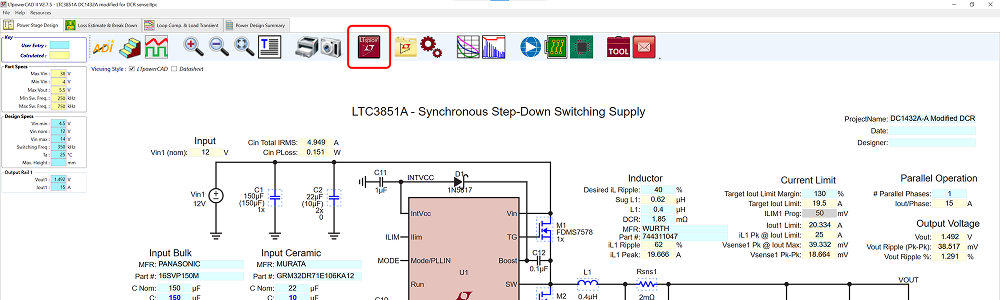
The LTpowerCAD® tool guides users throughout the supply design process, suggesting suitable parts to meet the user’s requirements according to the design’s power supply specifications. The tool shows real-time results of the feedback loop Bode plot, as well as the power stage performance, and can export the design to LTspice for full simulation and design verification.

LTpowerCAD

Related Resources
Title
Subtitle
了解更多
添加至 myAnalog

将文章添加到 myAnalog 的资源部分、现有项目或新项目。

创建新项目