

Remote Input/Output Module Solutions
Digitization and agile automation trends require more data and insights delivered through greater instrumentation of equipment that can be connected more easily by remote I/O modules. Analog Devices provides connectivity solutions and analog and digital front ends to connect these more distributed nodes from robust IP67 form factor to separate cabinets away from the main PLC control cabinet.
Optimization of factory floors in Industry 4.0 means more compact form factors like those enabled by our analog and digital products with integrated power. Our newer Ethernet-based networks allow easier deployment of remote I/O modules to reduce cable runs.

Value and Benefits
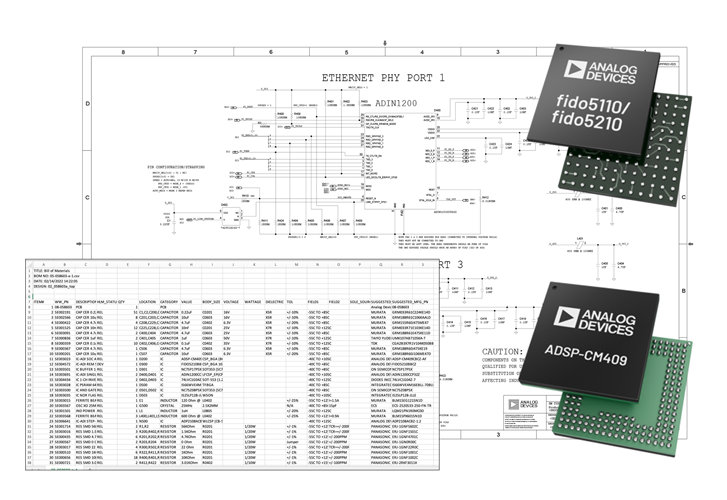
- Flexible I/O Deployment: Integrated Ethernet switch/PHY with time sync enables multi-protocol remote I/O.
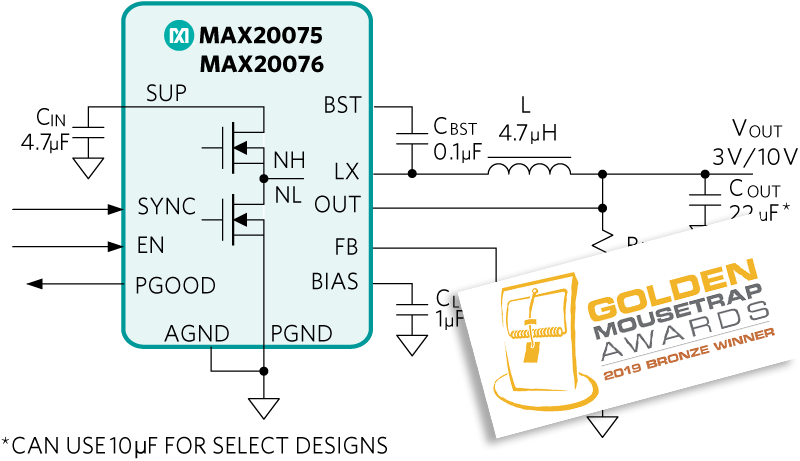
- Compact Isolation Design: SPI isolation and power management support robust IP67 field modules.
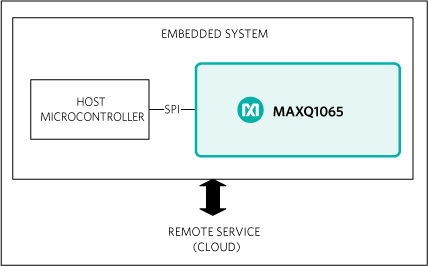
- Secure System Compliance: Authentication and secure boot meet safety and security standards.
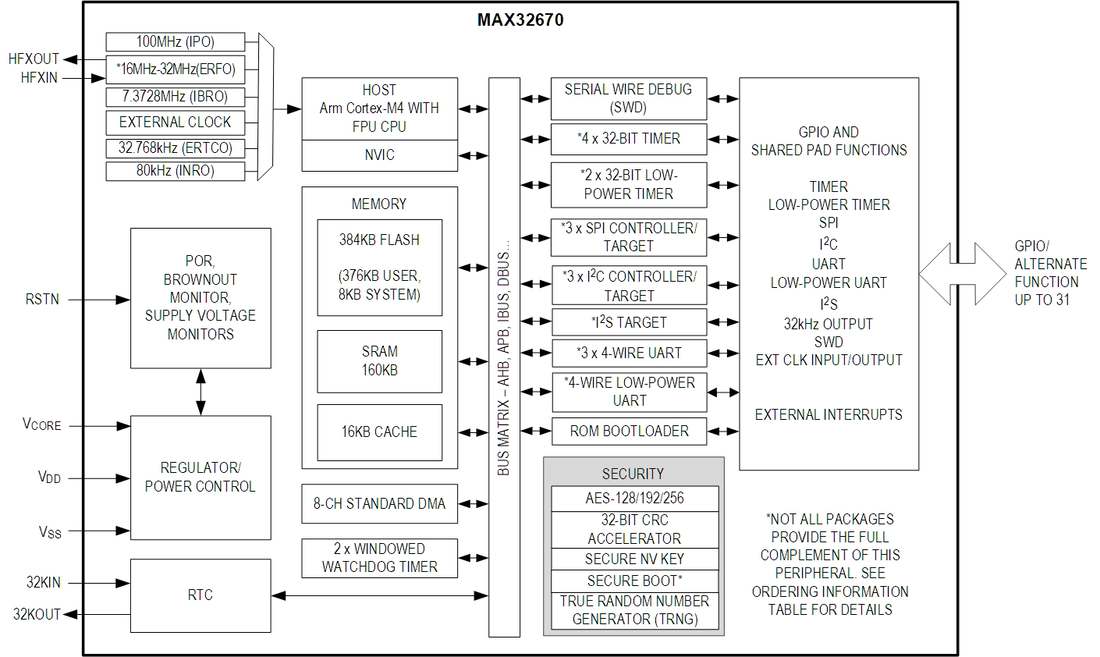
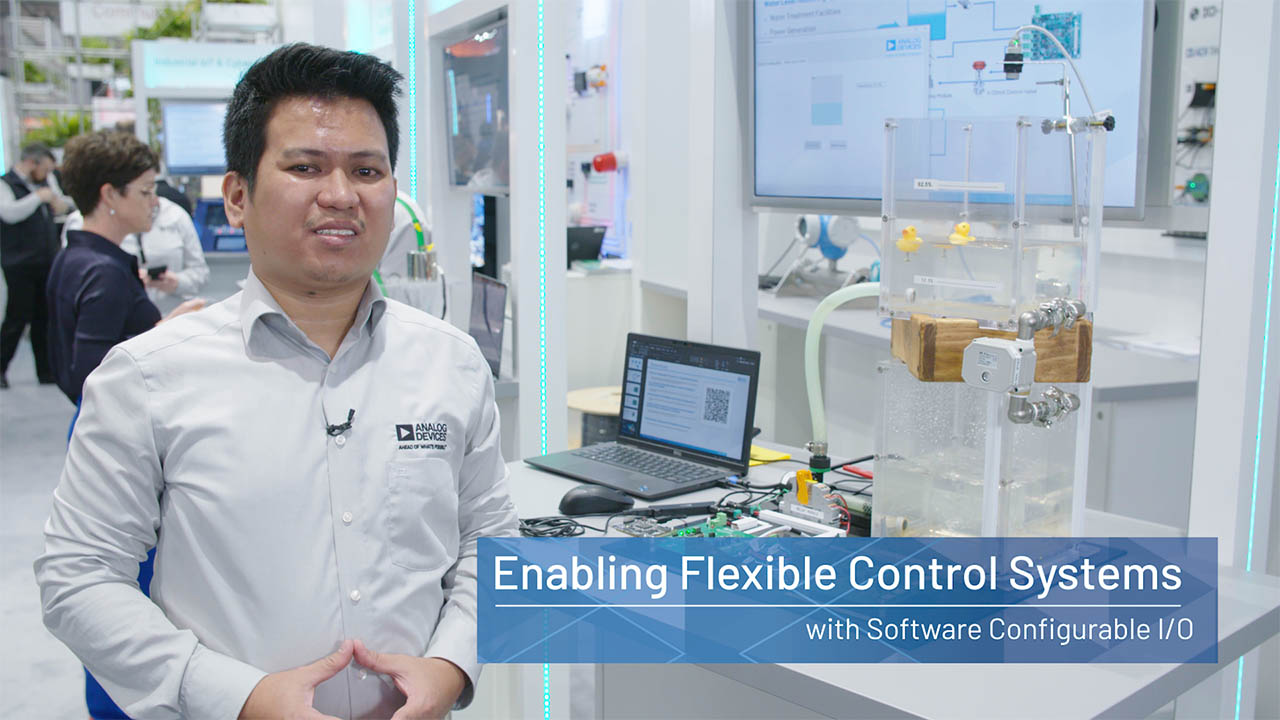
- Software-Defined Versatility: Configurable I/O supports analog/digital flexibility in small spaces.
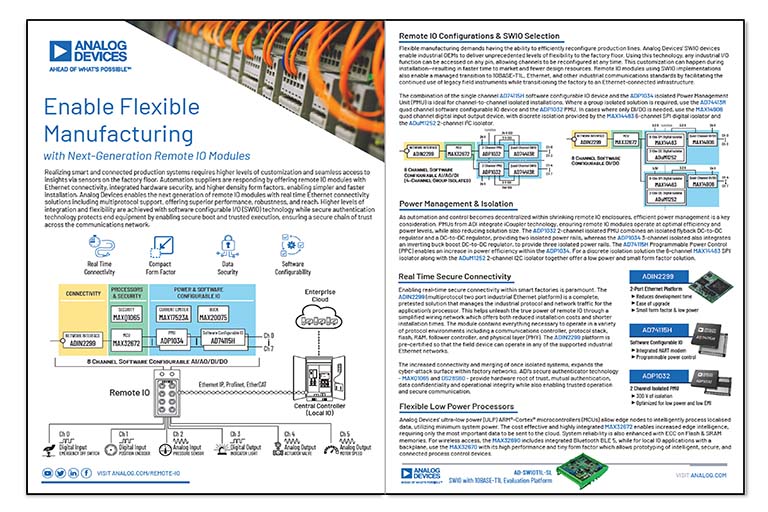
Solution Overview
Enable Flexible Manufacturing with Next-Generation Remote IO Modules
Discover technology building blocks for remote IO module development.
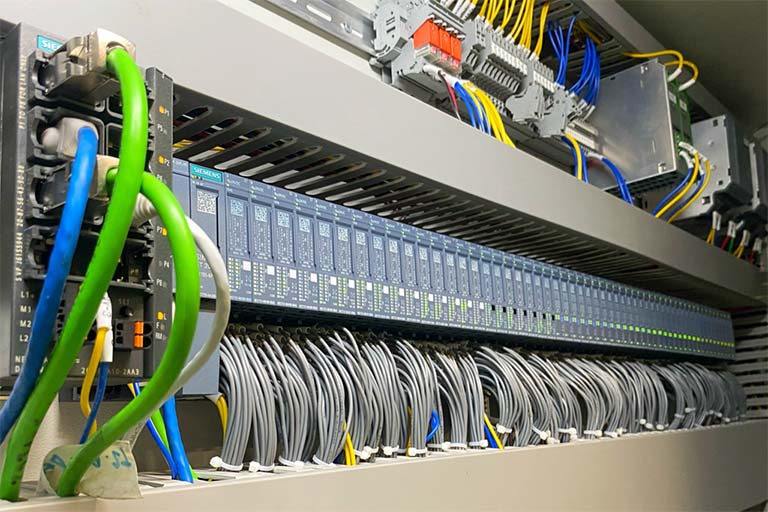
Webinar
Edge to Cloud, Connect and Control with Remote IO Modules
Remote IO modules can fulfil some of today's factory automation and process control needs. This webinar will explain how such modules can be leveraged in the automation system and implemented today to provide more flexibility, edge node insights and connectivity to fit into an edge-to-cloud based AI-driven system.

Technical Blog Series
Remote IO Modules – Unlocking the Flexible Factory
Explore the blog series and connect with the experts.
Learn how ADI’s real-time Ethernet connectivity, software configurable I/O (SWIO) and secure authentication technology help unlock the next generation of remote IO modules.
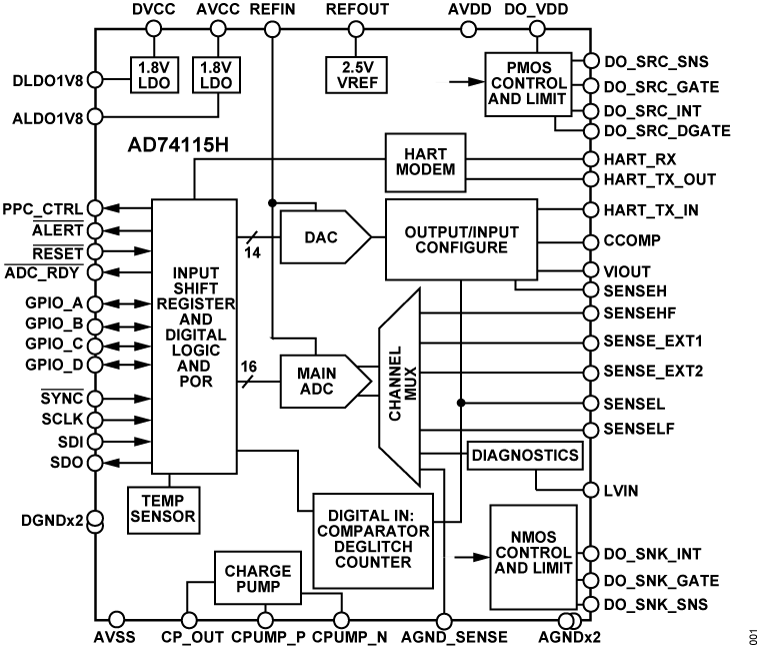
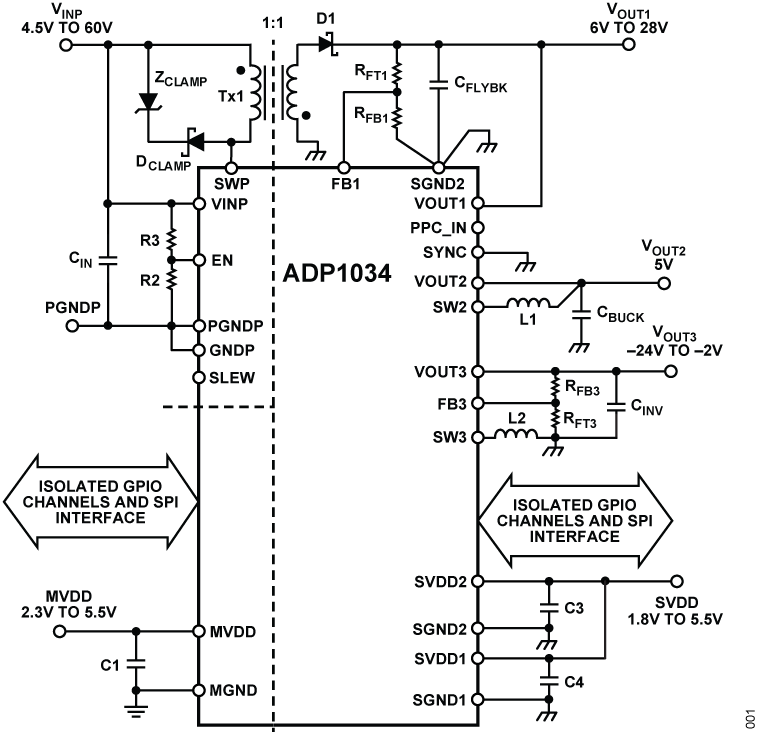
Featured Products
.svg?rev=fd385c90e2cf4716ae9a8c8d20e6b8e3&la=en&h=24&w=24&hash=A302DF48F94BAAA11877AF223F27157A)
Interactive Signal Chains








{{modalTitle}}

{{modalDescription}}
{{dropdownTitle}}

- {{defaultSelectedText}} {{#each projectNames}}
- {{name}} {{/each}} {{#if newProjectText}}
-
 {{newProjectText}}
{{/if}}
{{newProjectText}}
{{/if}}
{{newProjectTitle}}

{{projectNameErrorText}}