
EVAL-AD3532R


Overview
Features and Benefits
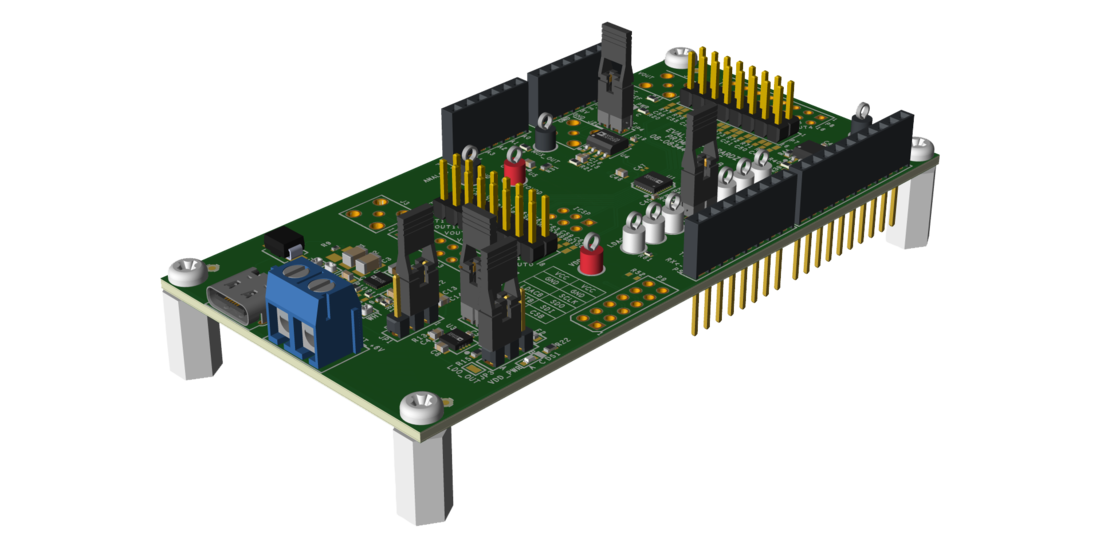
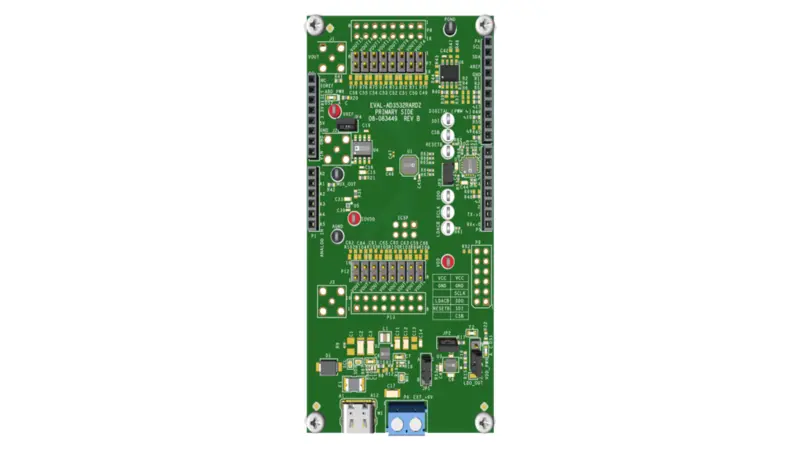
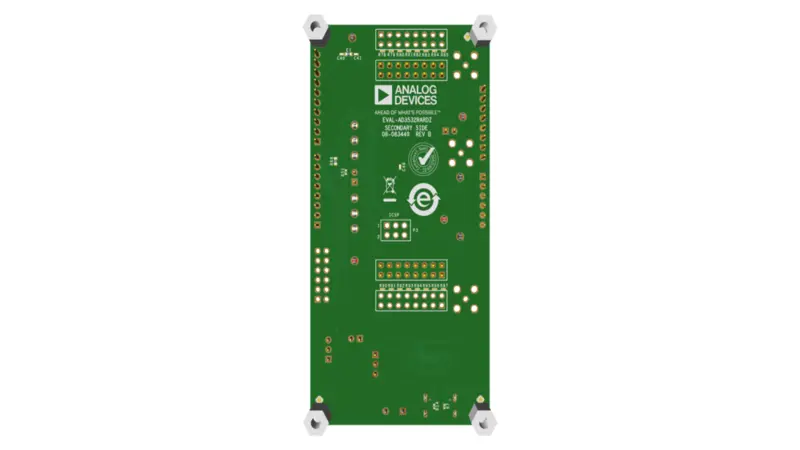
- Full featured evaluation board for the AD3532R
- Evaluation kit compatible with AD3536R
- Various link options
- PC control when used in conjunction with the Analog Devices, Inc., SDP board
Product Details
This user guide details the operation of the EVAL-AD3532RARDZ for the AD3536R/AD3532R 12-/16-bit, 16-channel, voltage output, digital-to-analog converter (DAC).
The EVAL-AD3532RARDZ allows users to quickly prototype the AD3536R/AD3532R circuits and reduce design time. The AD3536R/AD3532R operates from single 2.7V to 5.5V supply rang es. The AD3536R/AD3532R incorporates internal 2.5V references to give output voltages of 2.5V or 5V. The EVAL-AD3532RARDZ also incorporates an additional on-board voltage reference, the ADR4525.
The EVAL-AD3532RARDZ interfaces to the USB port of a PC via a system demonstration platform (SDP-K1) board. The Analysis |Control | Evaluation (ACE) software is available for download from the EVAL-AD3532RARDZ product page to use with the evaluation board to allow the user to program the AD3536R/AD3532R device. A peripheral module interface (PMOD) connection is also available to allow the connection of microcontrollers to the evaluation board without the SDP-K1 board. When a microcontroller is used through the PMOD connection, the SDP-K1 board must be disconnected, and the user is unable to operate the ACE software.
The EVAL-AD3532RARDZ is compatible with Analog Devices, Inc., SDP-K1 board, which must be purchased separately.
For full details, see the AD3536R/AD3532R data sheet, which must be used in conjunction with this user guide when using the EVALAD3532RARDZ.