


Overview
Features and Benefits
- Fully functional evaluation board for the AD9084 Apollo mixed-signal front-end RF transceivers (MxFE™)
- On-board clock management
- On-board power delivery network
- PC software for control with Analysis | Control | Evaluate (ACE) Software or the Python Application (pyApp)
Product Details
This user guide describes the evaluation hardware and software used to test the AD9084 and AD9088 (Apollo MxFE™).
The evaluation hardware consists of the AD9084-FMCA-EBZ or AD9088-FMCC-EBZ that connects to the ADS10-V1EBZ FPGA data capture and transmit board.
The evaluation software suite includes the Apollo MxFE evaluation software (a new graphical user interface), ACE (a legacy graphical user interface), PyApp (a Python scripting library), and API example code. These tools allow users to configure the Apollo MxFE evaluation platform in predefined or custom use cases, capture analog‑to‑digital converter (ADC) data samples, and transmit digital‑to‑analog converter (DAC) data samples. Each software tool includes a set of predefined use cases for quick initial bring‑up. ADC and DAC sample data are transferred over JESD204B or JESD204C links between the Apollo MxFE and the field‑programmable gate array (FPGA) on the ADS10‑V1EBZ. Captured ADC data can be viewed in the Apollo MxFE evaluation software, ACE, PyApp, or saved as finite‑length signal vectors for analysis with external tools. DAC transmit signals can be generated within the evaluation software or loaded from a file.
The Apollo MxFE evaluation software and ACE can generate and save new custom use cases. Apollo ACE supports the AD9084 only and will soon be discontinued. The Apollo MxFE evaluation software supports both the AD9084 and the AD9088.
Please see the User Guide for the full description.
Applicable Parts
Documentation & Resources
-
UG-2326: Evaluating the AD9084/AD9088 Apollo MxFE (Rev. A)2/26/2026PDF17 MB
-
6G FR3 Reference Design for Wireless Test (wiki)11/25/2024WIKI
-
EVAL-AD9084 - Design Files2/26/2026ZIP78 MB
-
 Seamless DC to 18 GHz Coverage Direct RF with Apollo7/7/2026
 -
 Apollo MxFE Feature Spotlight: Spectrum Sniffer4/7/2026
 -
 Getting Started with ADI Apollo MxFE™ AD90844/7/2026
 -
 ADI Apollo MxFE™ AD9084 Standalone API4/7/2026
 -
 Apollo MxFE™: Wideband Spectrum Analyzer Solution for 6G2/26/2026
 -
 Apollo MxFE Feature Spotlight: Dynamic Reconfiguration2/26/2026
 -
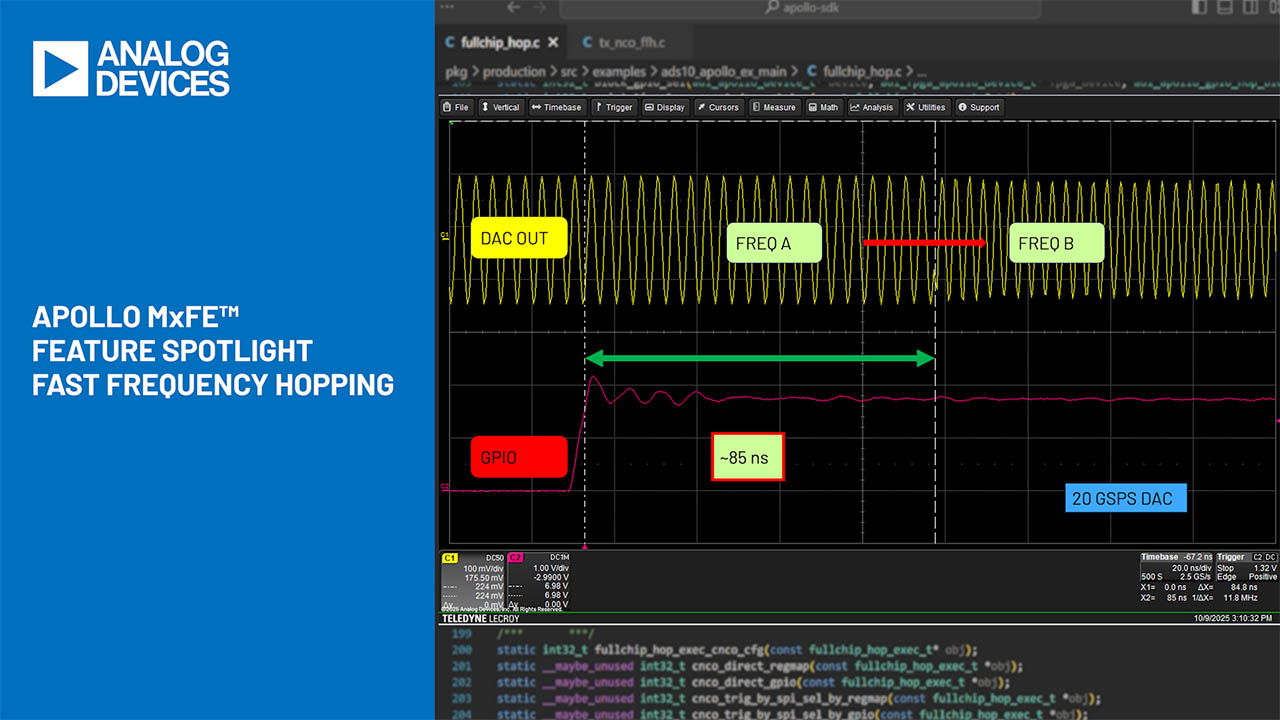 Apollo MxFE™ Feature Spotlight : Fast Frequency Hopping2/26/2026
 -
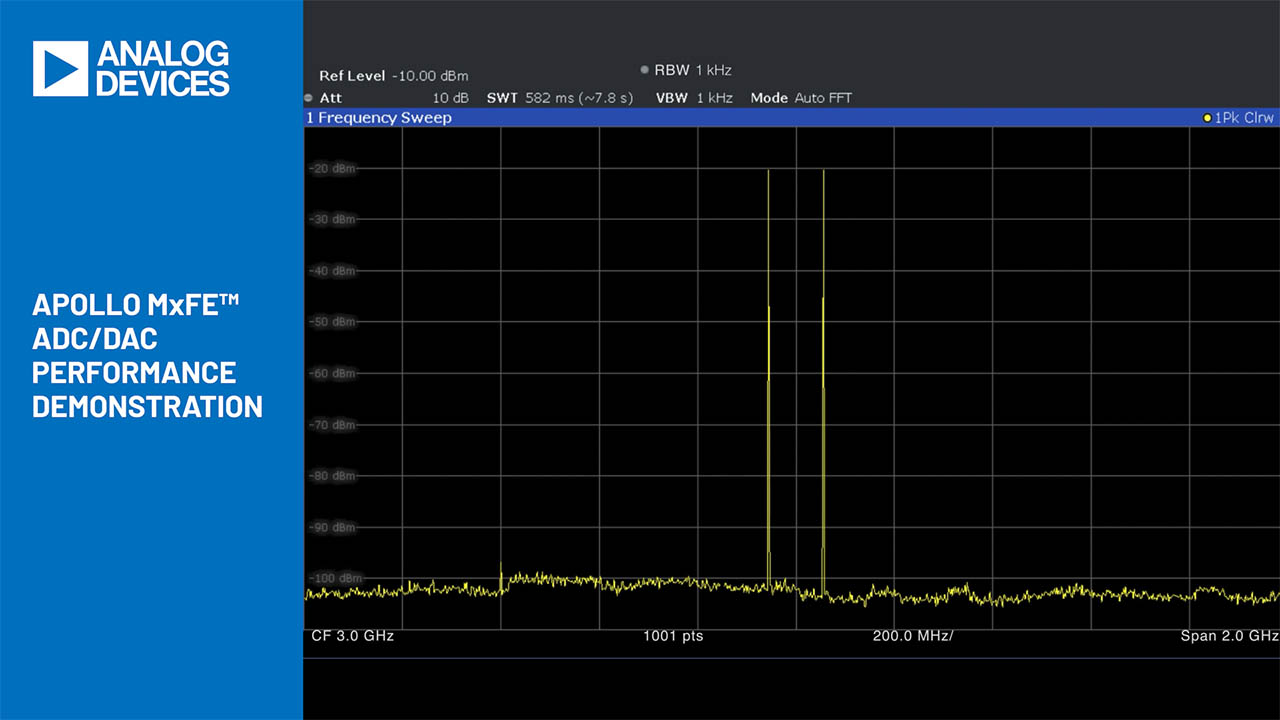 Apollo MxFE™ ADC and DAC Sweep Demonstration2/26/2026
 -
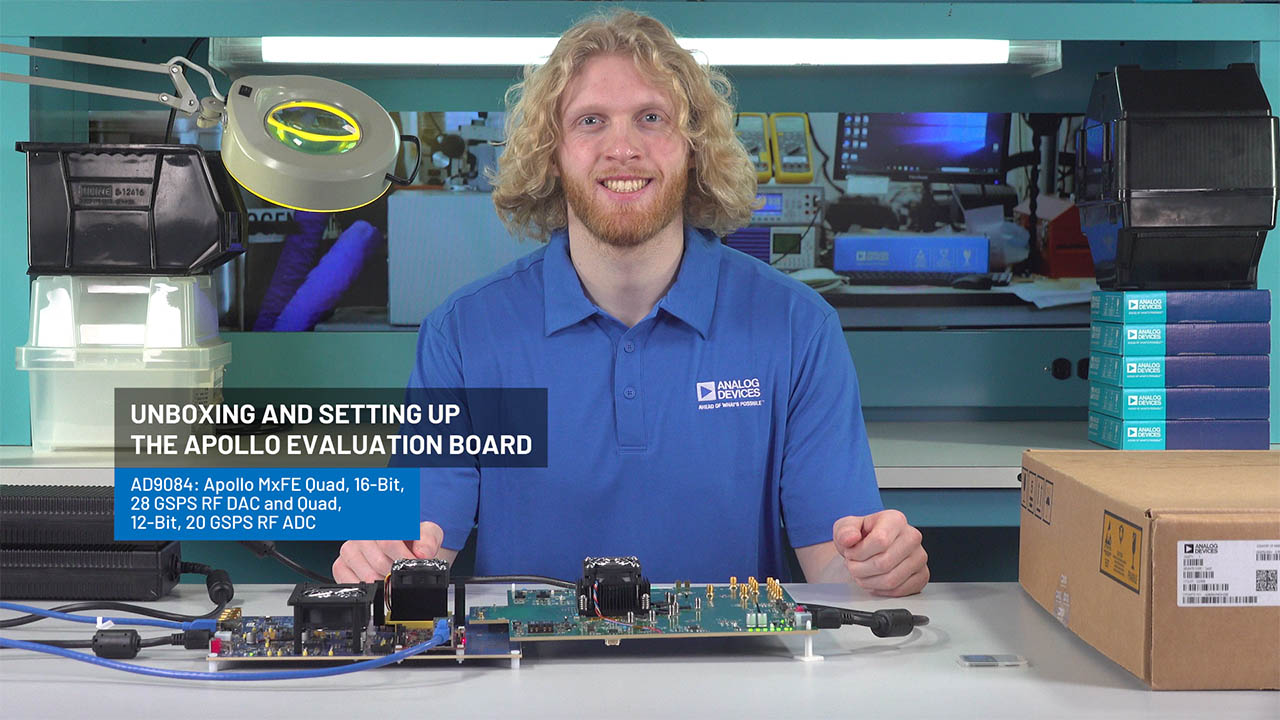 Unboxing and Setting Up the AD9084 Apollo MxFE™ Evaluation Board2/26/2026
 -
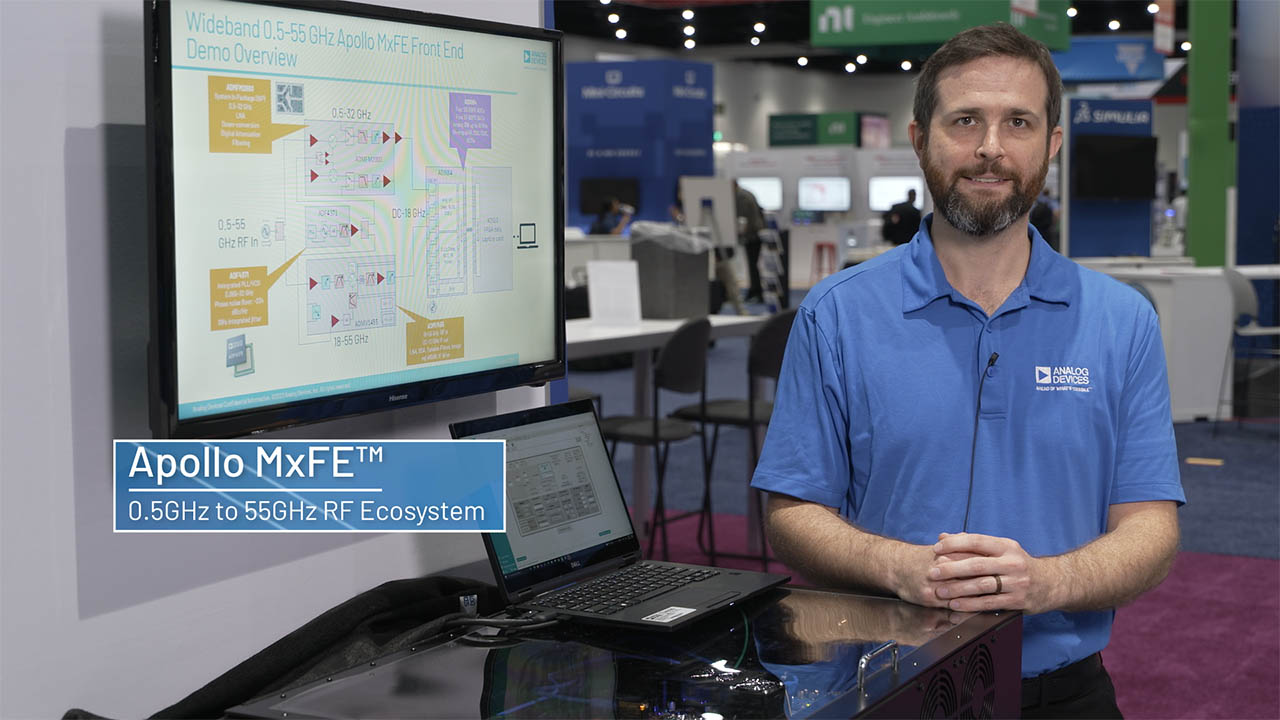 Apollo MxFE™ 0.5 to 55 GHz Ecosystem2/26/2026